+Buyer's guide
Flight School Scheduling Software: A 2026 Buyer's Guide
A club schedule has one scarce resource. A flight school schedule has two, plus a third thing that can quietly make the flight illegal: the airplane has to be free, the instructor has to be free, and the student has to be current. Most products solve the first properly, gesture at the second, and leave the third to whoever is at the front desk.
This guide is about buying on purpose instead of buying the nicest booking screen. We build one of these. It is first on the list, and we say plainly where somebody else is the better answer.
1. What breaks in a flight school schedule
The category makes more sense as a list of failures than of features, roughly in the order a growing school hits them.
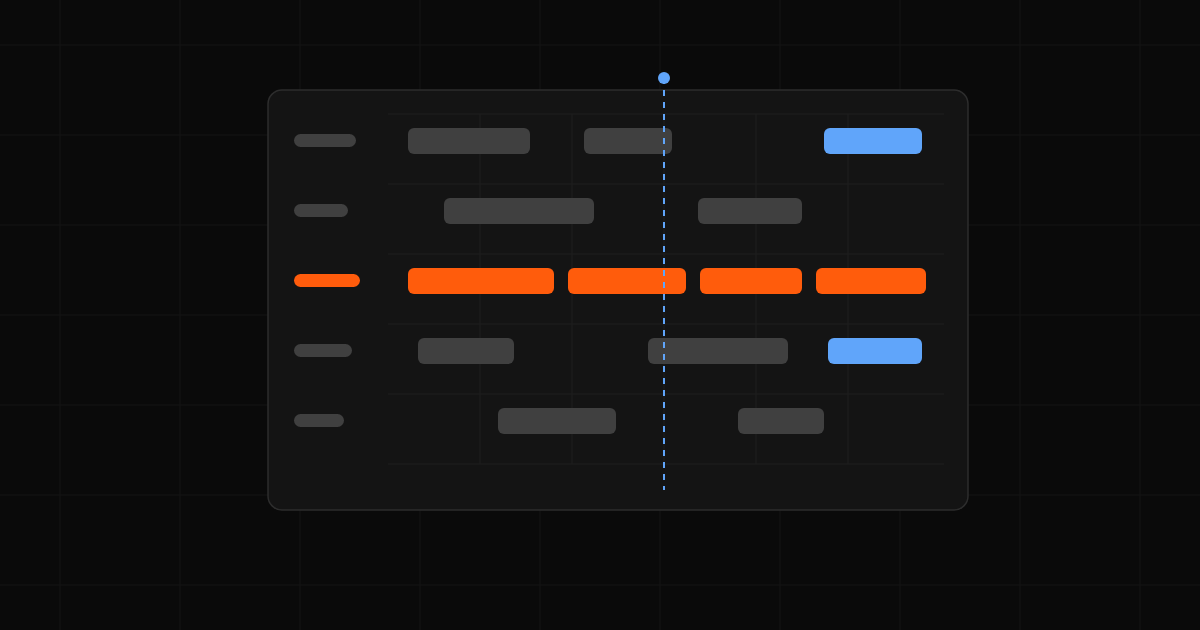
- The airplane is free and the instructor is not. A student books a tail for Tuesday at nine; their CFI has a stage check at nine. That is what treating the instructor as a note in the comments field buys you.
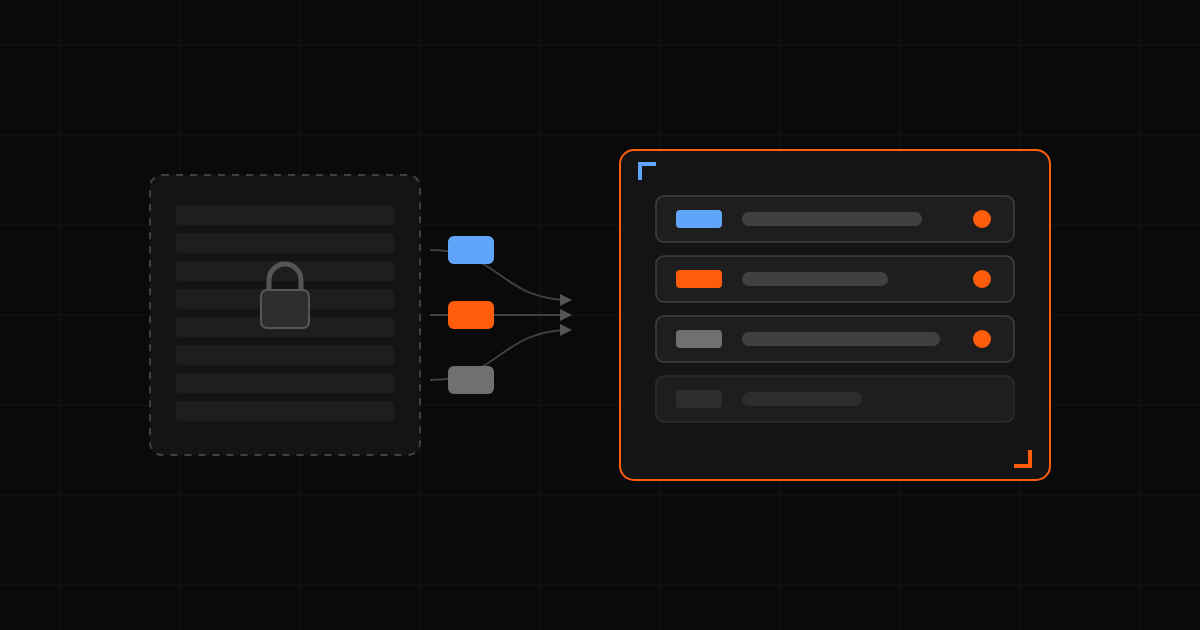
- The student was never legal to fly. Expired medical, lapsed flight review, ninety-day currency that ran out three weeks ago. Kept in a binder, dispatch finds it at the counter. Kept in the schedule, the student finds it a week out.
- Cancellations nobody hears about. A Saturday slot that opens at eight on Friday night is worth real money, and it sits empty because the only person who knew was the student who canceled it.
- Dispatch and the schedule disagreeing. The schedule says the airplane is available; dispatch knows it is down for a squawk, or that the last flight never came back.
- The lesson, the flight, and the invoice living in three products. The instructor grades in one, the times go on a dispatch sheet, and somebody re-keys it into billing on Monday.
- One person holding the schedule in their head. A week of their vacation shows the school how much was never written down.
Two airplanes and one instructor survive all six on discipline. Six airplanes and eight CFIs cannot. Buy for the school you expect to run in three years.
2. Seven questions to ask every vendor
Feature grids do not help, because every vendor can check the box next to "instructor scheduling" and mean seven different things by it.
1. Is the instructor part of the reservation, or a separate booking?
Ask them to book a dual lesson while the instructor is committed elsewhere. Some save it anyway, some warn and continue, some refuse. A good answer treats a dual flight as one record with two resources and rejects it with the conflict named.
2. Does the software check currency before the slot saves?
A calendar does not know what a flight review is. A good answer blocks the booking at the attempt rather than flagging it for later, and lets you choose which items are required. Resyrv tracks medical, flight review, ninety-day currency, IPC, and renter insurance, and emails reminders on lead days you set.
3. How do instructors publish availability?
If CFIs tell the front desk and the front desk maintains it, you are buying a calendar and a full-time job. A good answer has each instructor setting recurring bookable windows plus dated time off, with students seeing only the intersection of instructor availability, aircraft availability, and their own limits.
4. What happens to a canceled slot?
Cancel a booked lesson during the demo and watch. Usually nothing happens: the slot turns white and waits for somebody to notice. Resyrv lets students subscribe to a tail and emails everyone watching it on a cancellation, filtered by the hours each student said they were free.
5. Can the software stop a flight?
Ground an airplane for an overdue inspection, then try to book it and dispatch it. Every platform tracks maintenance and few enforce it. A next-annual date in a database is a record; one that refuses a dispatch is a control. Resyrv pulls a grounded aircraft from the calendar.
6. How does the flight become an invoice?
Trace the path out loud: the flight closes, and then what? If anybody types a tach reading into a second product, you have found where your staff hours go. Resyrv captures Hobbs and tach at both ends, raises an exception instead of billing an implausible reading, and posts charges from your per-flight-type rules. Instruction and ground bill separately, because a two-hour flight with a half-hour brief is not two and a half hours of airplane.
7. What does the price do when the school grows?
Not the headline number. The number a year out with two more trainers, four more CFIs, and the module you skipped at signing. Per aircraft with unlimited users suits schools that are student-heavy and airplane-light. Per module is easy to under-budget, and the modules people skip are the enforcement ones.
3. The platforms flight schools shortlist in 2026
The names that come up when a US school goes shopping, plus two that matter mainly outside the US. Ours is first because it is the one we recommend, which makes the claims easy to check against the demo script.
Resyrv
Ours. The reservation, the dispatch, the lesson, and the invoice are one thread. Aircraft and instructor book as one record with both checked, currency gates block the booking when a required item has lapsed, instructors publish availability and dated time off, and a cancellation watch emails the open slot to the students who wanted that hour. Dispatch and return capture Hobbs and tach with meter photos and signatures, and billing posts from the return on per-flight-type rules. Part 61 without a forced syllabus, Part 141 with versioned courses and stage gates. One subscription for the organization, free trial.
- Strongest at: enforcement rather than reminders, checking aircraft, instructor, and currency before a slot saves, and keeping the lesson, the flight, and the invoice as one record.
- Worth knowing: we are newer than Flight Circle, MyFBO, and Talon. Payments are card-not-present, so no chip reader at a front desk. SMS is not shipped yet, and the native app is iOS first.
Flight Schedule Pro
The incumbent, sold as hubs for scheduling, billing, training, maintenance, and reporting bought individually or as a suite, serving roughly 1,100 organizations. The training side is built for Part 141 rigor.
- Strongest at: institutional training at scale, dispatch desks staffed by full-time administrators, and the record depth a large Part 141 operation needs.
- Schools outgrow it when: they were never the target. Pricing is quote-based, and the module structure moves the number every time you add capability.
Flight Circle
In production since 2014 and used in all fifty states, and the default answer for a lot of small US schools. Scheduling, billing with a point of sale, squawks, maintenance reminders, a 61 and 141 module, and QuickBooks sync, per aircraft with unlimited users.
- Strongest at: longevity, value per aircraft, and card-present payments with real front-desk hardware.
- Schools outgrow it when: they want itemized invoices, maintenance that blocks a dispatch, stage checks, or a native app instead of a mobile-friendly site.
Aviatize
A newer all-in-one: scheduling, digital syllabi and grading, invoicing from Hobbs time, maintenance work orders, and apps on iOS and Android. Per aircraft with unlimited users and no per-student surcharge, covering FAA 61 and 141 alongside European ATO and DTO structures.
- Strongest at: apps on both platforms, transparent per-aircraft pricing, and maintenance validation that blocks bookings on an unairworthy aircraft.
- Schools outgrow it when: they need built-in real-time aircraft tracking, which the company says takes an integration. Aviatize also calls itself more configuration than a small Part 61 school needs.
FlightLogger
The most independently reviewed product in the category: 57 Capterra reviews, ease of use at 4.60 out of 5, support at 4.89. EASA-heavy, strong across multiple locations, priced on active students, with a well-liked syllabus builder.
- Strongest at: European ATO operations and multi-location training organizations. Under EASA, shortlist FlightLogger or Aviatize ahead of us.
- Schools outgrow it when: they are small and American. Reviewers report that documenting a flight takes a long time, with date and time entry needing repeated clicks, and that the system lacks an audit process for changes.
MyFBO.com
The legacy incumbent, and the one reaching furthest into commercial operations: fuel sales, ramp sales, shop orders, inventory, dispatch and check-in, curriculum tracking. Its scheduling engine gets credit for conflict detection and drag-and-drop planning.
- Strongest at: schools attached to an FBO or a maintenance shop. Fuel, ramp, and inventory is a category school software does not have, and we point you here for it.
- Schools outgrow it when: they never grow into it. Pilot forums describe the interface as antiquated and not mobile-friendly, and aggregators rate it less user-friendly than the alternatives.
Talon Systems
Founded in 2001 and the strongest brand at university scale, powering Embry-Riddle and Western Michigan among others. Deep dispatch and flight following at volume, more than 300 reports, an integrated maintenance module, quote-only pricing.
- Strongest at: large university and Part 141 degree programs. Running a collegiate program, put Talon and Flight Schedule Pro ahead of us.
- Schools outgrow it when: they are not a university. Training, maintenance, and safety are separate systems, so one workflow means three implementations. Users have described the mobile app as severely limited.
AerScheduler
The newest and smallest name here, built by a CFI for his wife's flight school. Core scheduling, invoicing, maintenance, and documents are free, with a small percentage on processed payments as the only charge.
- Strongest at: schools getting off spreadsheets with no budget at all. If that is you, start here rather than staying on the shared calendar.
- Schools outgrow it when: they need enforcement, structured training records, or accounting past invoicing. The independent review trail is thin.
4. Matching the platform to the school
- Two airplanes, one or two CFIs, Part 61. Scheduling is nearly trivial and the money is not. What costs you is the student who books with a lapsed medical. With no budget at all, AerScheduler beats a spreadsheet.
- A club that also instructs. Two half-problems most vendors make you solve with two products. Resyrv puts Part 61 and 141 records in the same workspace as the billing, so a dual flight is one record instead of two systems that have to agree at month end.
- A mid-size Part 141 school, six to fifteen aircraft. Enforcement stops being optional: currency gates, published availability, grounding that clears the calendar, stage gates that block progression. Resyrv covers the 141 structure without the module-by-module pricing conversation, and Flight Schedule Pro is the credible alternative.
- A university or collegiate program. Pick Talon Systems or Flight Schedule Pro. Both have decades of deployments at that scale and the reporting depth an accredited program is asked for. Not the segment we are built for.
- A school inside an FBO. If you sell fuel, run a ramp, or invoice outside maintenance customers, MyFBO reaches into that in a way school software does not. Different product category, not a feature gap.
5. Run the demo, don't watch it
Vendor demos are built to look good, and steered around the parts that do not. Take the controls and make the salesperson do these seven things live, in this order.
- Book a dual lesson at an hour the instructor is already committed. Show me what the student sees.
- Expire a student's medical, then have that student book a flight.
- Ground an aircraft for an overdue annual. Now book it, and then dispatch it.
- Block a CFI out for two weeks, then show me the student-facing schedule for one of those days.
- Cancel a booked lesson and show me what the system does in the next sixty seconds.
- Dispatch a flight, enter a Hobbs start below the last recorded end, and show me what happens.
- Close that flight, show me the student-facing invoice line by line, then take a payment.
Twenty minutes of that tells you more than any comparison table, this one included. Anything a vendor offers to follow up on afterward is a gap, and a gap in step two or three is the expensive kind. Resyrv passes all seven live, so run it on us first, then run the identical list on everybody else.
6. Common questions
Is there free flight school scheduling software?
Yes, with a catch. AerScheduler gives away core scheduling, invoicing, maintenance, and documents and earns on a percentage of payments processed through it, a genuinely free option for a school with no budget. Otherwise free means a shared calendar with airplanes on it, and that cannot check currency, stop a dispatch, or turn a flight into an invoice.
What is the difference between scheduling software and flight school management software?
Scheduling answers who has the airplane and when. Management software adds what hangs off that answer: dispatch and return, training records and endorsements, billing and student balances, maintenance, reporting. Scheduling is where schools start and billing is where schools hurt, so a scheduler that stops short of dispatch and money means a second product and a reconciliation.
How long does switching flight school software take?
Less than a week for most schools, and a single day if your rates are already agreed. The setup wizard, the fleet, and your people are an afternoon, and students come in from a spreadsheet import or a join link. Do not migrate historical flight records without a reason. That is what turns a one-week switch into a one-quarter switch.
Do we need this for a small school?
For scheduling alone, two airplanes and one instructor can run on a shared calendar. For currency and money it stops working the first time a student turns up with a lapsed flight review or asks what a bill covers. A small school is also the cheapest moment to switch.
Can students book from their phone?
They should be able to, and you should test it outdoors in bright sun before you sign. Ask whether you are getting a native app or a responsive website. In Resyrv the schedule works in a phone browser and in the native iOS app, and dispatch and return take meter photos from the camera.
7. The short version
Buy on three moments, not on a feature grid: what happens when the instructor is not free, what happens when the student is not current, and what happens after the flight closes. Every product here shows you a calendar, and they all look the same on the calendar. University program, pick Talon or Flight Schedule Pro. Selling fuel, pick MyFBO. Training under a European authority, pick FlightLogger or Aviatize. No budget, pick AerScheduler. For everybody else, we think it is us, and the demo script is written so you can check.