+Integrations
How to Connect Xero to Resyrv
5 min read
Resyrv pushes your member-billing activity into Xero automatically: every charge, payment, credit, refund, and void posts as a balanced manual journal, referenced back to the source entry. Here's the setup, start to finish.
1. Before you start
- You need the accounting.sync_manage permission in Resyrv (owners and admins have it by default).
- You need adviser or standard access to your Xero organisation.
- Resyrv connects to one Xero organisation per Resyrv org: the first organisation you authorize.
2. Step 1: Connect
Go to Settings → Accounting Sync and click Connect Xero. Sign in at Xero, approve access for your organisation, and you'll land back in Resyrv with the connection live.
3. Step 2: Let auto-setup do its thing
- Resyrv creates its clearing accounts in your chart of accounts: "Resyrv Member Receivables", "Resyrv Sales Tax Payable", and "Resyrv Payment Clearing" (Xero manual journals can't post to bank accounts, so payments land in a clearing account your bookkeeper reconciles).
- Every Resyrv charge category is auto-mapped to a matching account by type: revenue categories to revenue accounts, liabilities to current liabilities.
- Anything unmapped is flagged on the Accounting Sync page.
4. Step 3: Review the mapping and tax rates
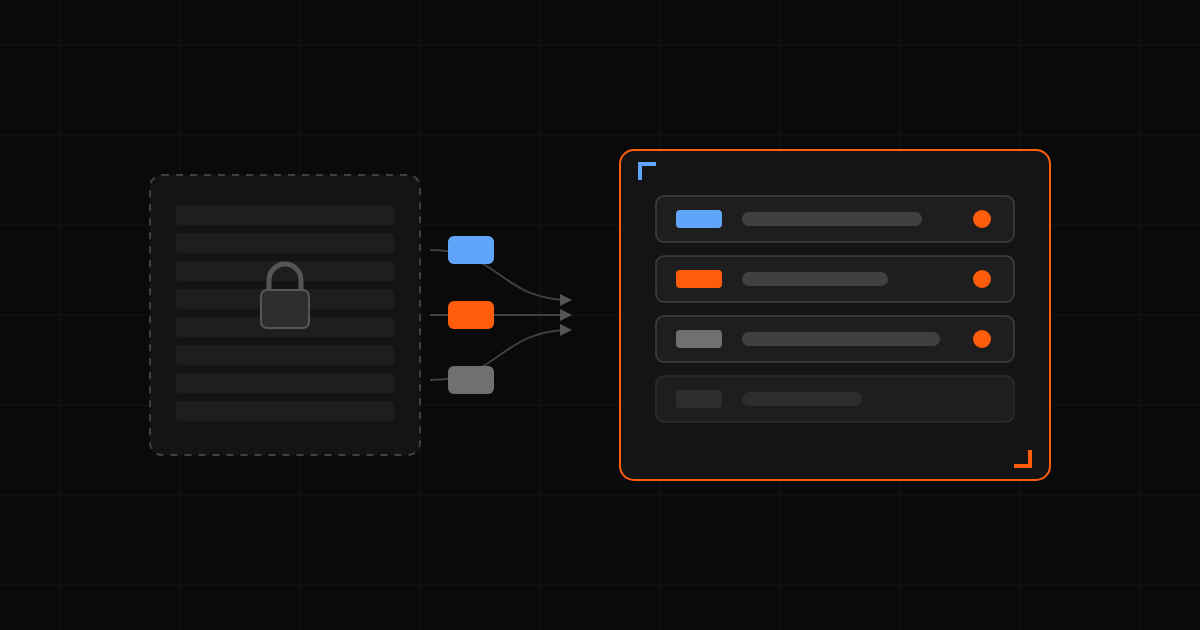
The chart-of-accounts table on the same page shows a live dropdown of your real Xero accounts (by account code) for every category, and a tax-rate dropdown fed by your organisation's actual tax rates (OUTPUT, EXEMPTOUTPUT, NONE, and any custom rates). Adjust freely. Your customizations are never overwritten.
5. Step 4: Choose your sync settings
- Sync automatically every night: on by default; turn it off to sync only on demand.
- Don't sync entries before: set a cut-over date so pre-Resyrv history never double-posts.
- Tag journal lines with location: if your organisation has a tracking category named "Location", Resyrv tags each revenue line with the matching option by name.
6. How entries post
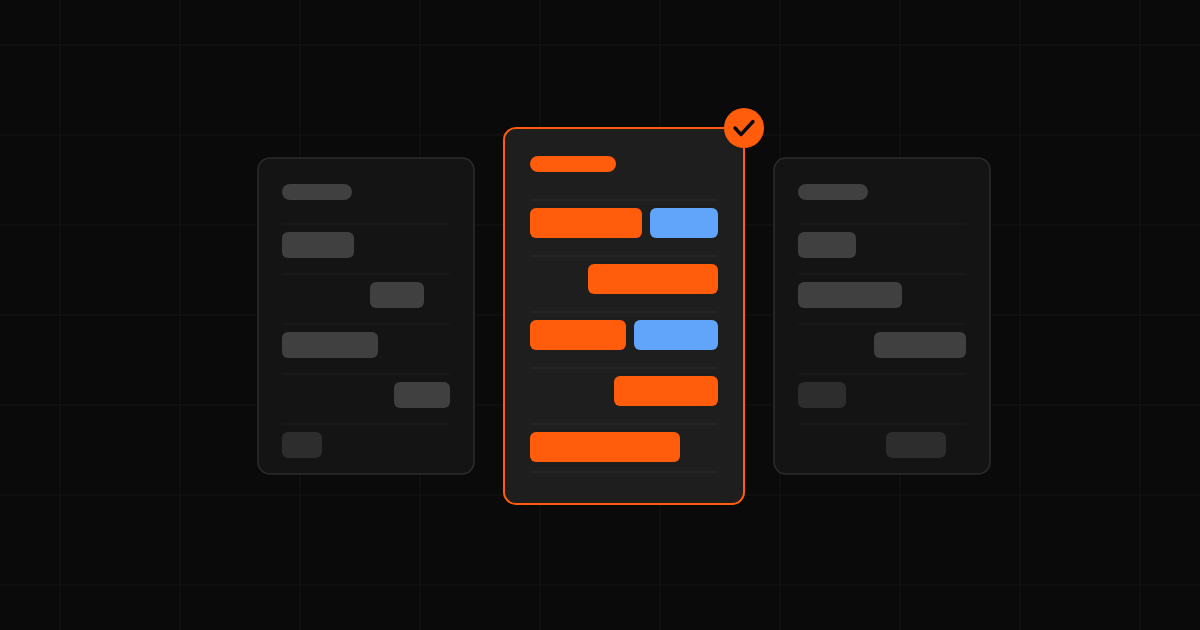
- Charges debit Member Receivables and credit the mapped revenue account; tax credits the sales-tax account.
- Payments debit Payment Clearing and relieve Member Receivables.
- Voids and refunds post as their own correcting journals. Nothing is edited or deleted in Xero.
- Every entry syncs exactly once, with an LE- reference in the narration; disconnecting and reconnecting never re-pushes history.
7. Troubleshooting
- Reconnect needed: click Reconnect and re-authorize; already-synced journals are untouched.
- Categories need mapping: the callout on the Accounting Sync page names the categories blocking sync; map them and run Sync now.
- The Sync history table records every run with per-entry errors, and the Accounting Sync Report shows synced-vs-pending by month.