+Maintenance
How to Track Aircraft Maintenance Without Excel
4 min read
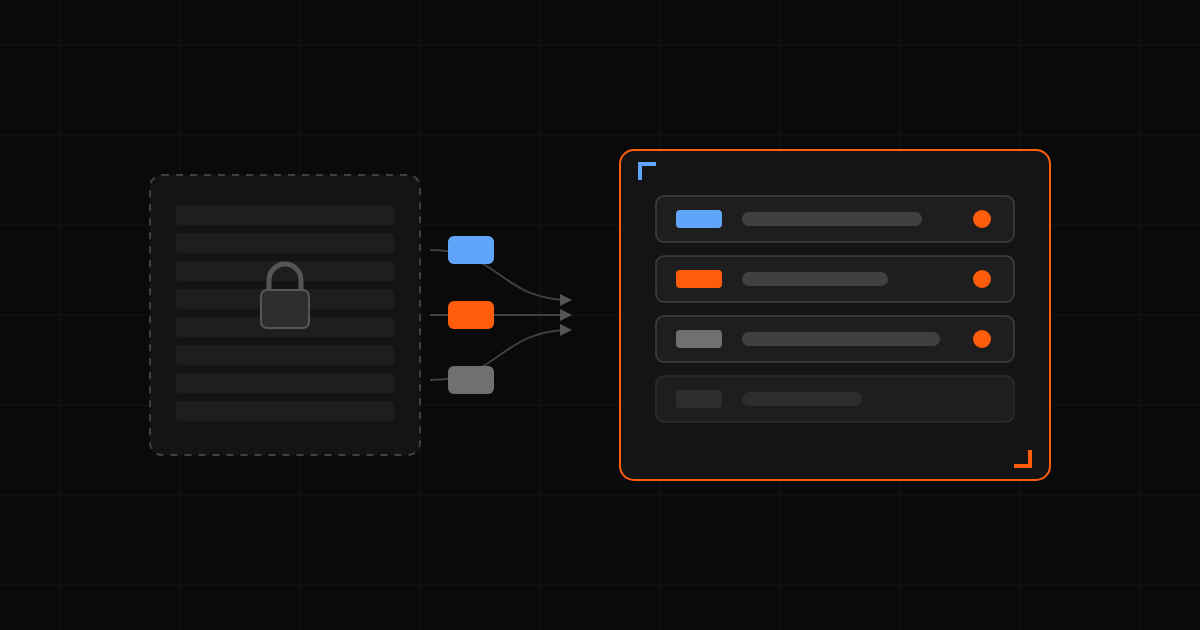
Almost every owner-operator starts tracking aircraft maintenance in Excel: a tab for inspections, a tab for hours, a tab for ADs. It works until exactly the moment a second person needs to update it. Then version drift, broken formulas, and overdue items hidden behind frozen panes start costing real money.
1. Five steps to leave the spreadsheet behind
- Inventory what you actually track. Annual, 100-hour, IFR cert, pitot-static, ELT, transponder, oil change interval, recurring ADs.
- Pick a system that enforces dates AND hours. Calendar-only reminders miss tach-driven items; hour-only reminders miss dated ones.
- Migrate one aircraft first. Don't try to import everything at once. Copy the airframe, engine, and prop totals, then add the next inspection due dates.
- Connect maintenance to the schedule. The platform should refuse to dispatch an out-of-annual airplane, not just warn about it.
- Archive the spreadsheet. Read-only, dated, kept for the historical paper trail.
2. What "good" looks like
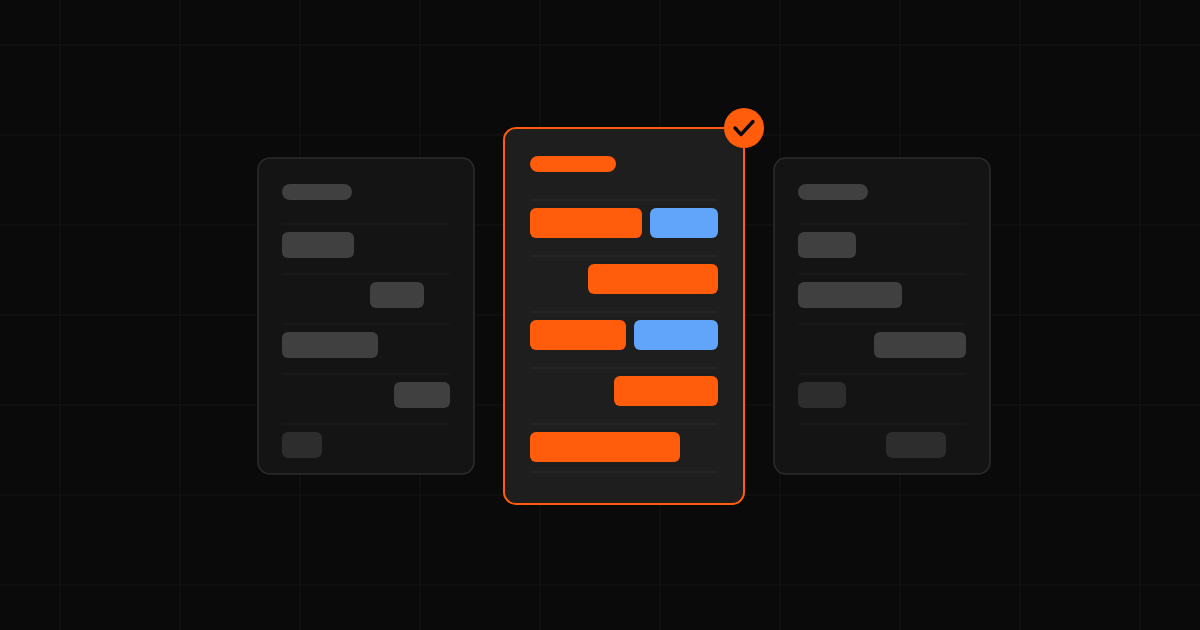
A digital maintenance system that earns its keep gives you four things: per-tail status at a glance, automated reminders before something is overdue, a place to attach the actual signed log entry, and a hard stop when the airplane shouldn't fly. A replacement that does only the first two leaves the last two to memory.