

Estimates
Change an estimate after sending it
You can change a sent estimate until the customer answers. Saving takes the link back from them, so they never approve a version they did not see.
Editing a sent estimate
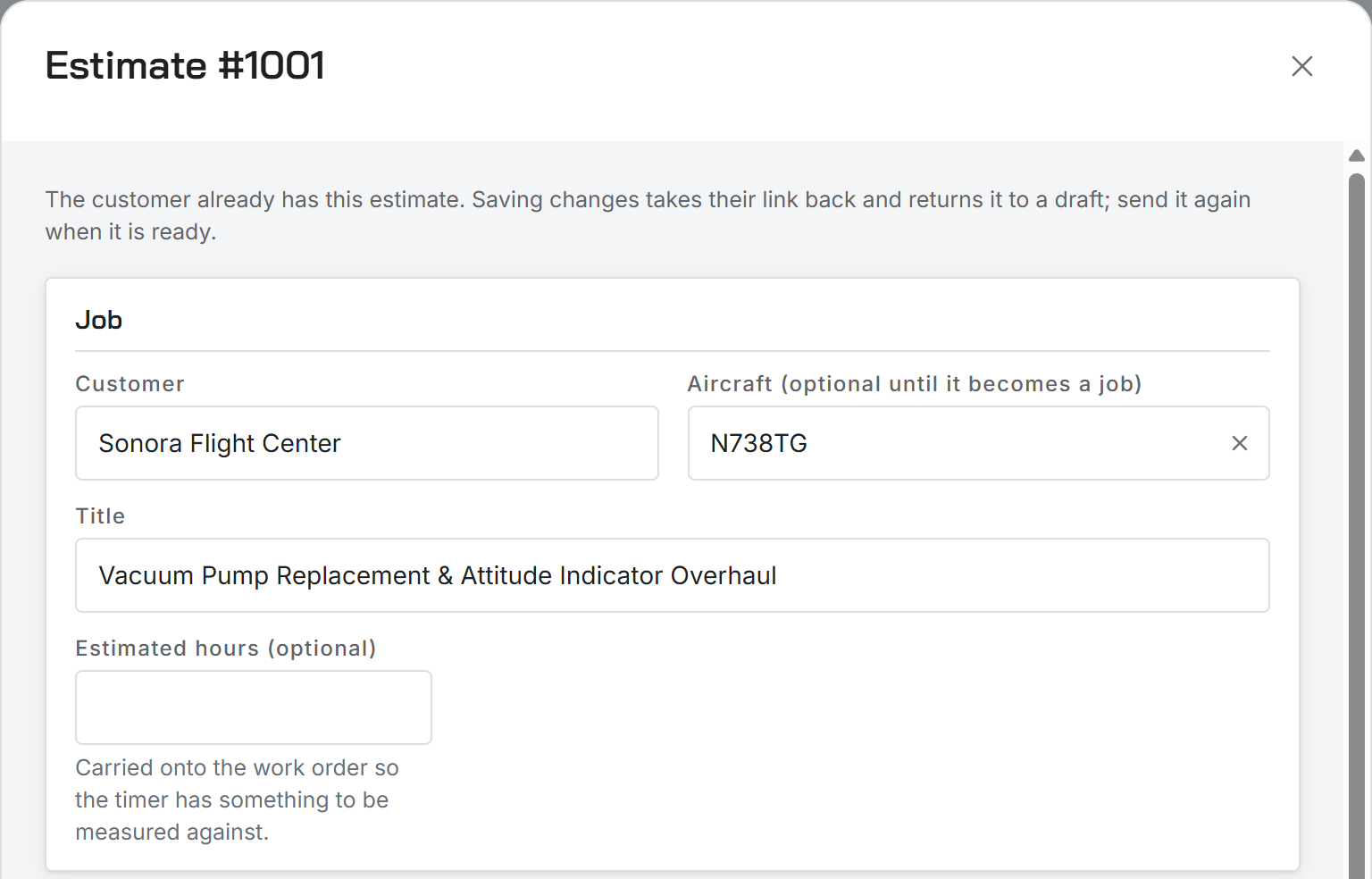
Choose Edit from the row menu. A warning reminds you the customer already has this estimate. When you save, it goes back to Draft and the link the customer has stops working.
Send it again when it is ready. The customer gets a new link to the new version.
When you cannot edit
- Once it is approved or declined, the estimate is fixed. Write a new one if the job changes.
- Once it is a work order, change the job instead.
Tax is locked when the customer answers
Until then, tax is recalculated every time the estimate is saved or opened, so a change to your tax settings shows up. The moment the customer approves or declines, whether from the link or recorded by you, the tax on that estimate is locked. Later changes to your tax settings do not move it.
Was this page helpful?
Can’t find what you need? Contact us - a real person reads every message.