

Parts and vendors
Vendors
Vendors are the suppliers and outside shops you buy from or send work to. A vendor you add here fills in on the vendor field of a work order.
Adding a vendor
Open Vendors in the sidebar, under Parts, and choose Add vendor. Only Vendor name is required. You can also keep a tax ID, phone, email, website, full address, and internal notes. The address fills in as you type.
Once the vendor is saved you can add their logo. JPEG, PNG or WebP, up to 5 MB.
Finding a vendor
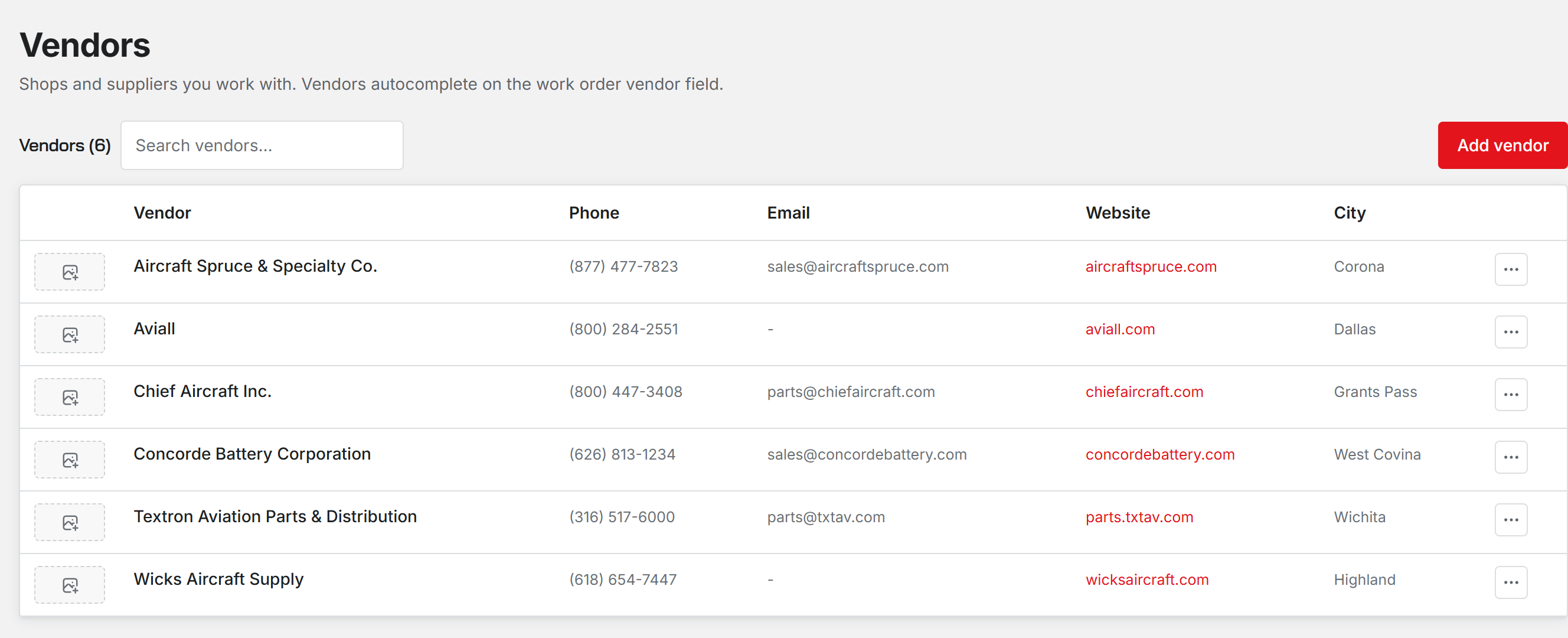
Search matches the vendor name, city, email, phone and website. The website column opens the vendor's site in a new tab.
Editing and deleting
Administrators, Inspectors and Technicians can add, edit and delete vendors. Deleting a vendor does not touch work orders that named it; they keep what was filled in.
Vendors are a contact list. Resyrv MRO does not send purchase orders to them or track what you owe them.
Was this page helpful?
Can’t find what you need? Contact us - a real person reads every message.