

Documents & Communication
Announcements & Notifications
Resyrv has two kinds of “telling people things”: announcements you write to your members, and automatic notifications the system sends when something happens.
Announcements
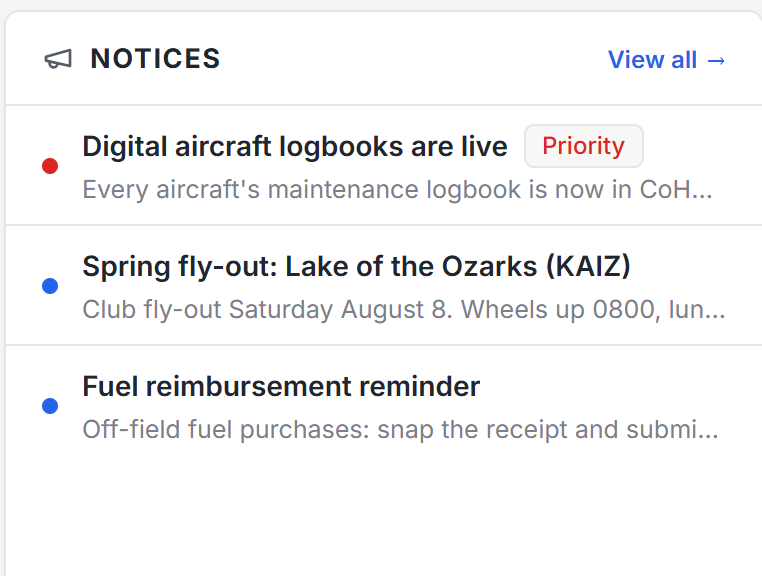
An announcement is a message from the organization to its members: a title, a body, and optionally a button linking somewhere in the app. Members see announcements in the app when they sign in, so a fuel price change or a hangar-day reminder reaches everyone without an email thread.
Announcements can be aimed: at the whole organization, at one location’s members, at everyone flying a particular aircraft, or at specific people. The audience sees it; nobody else does.
Automatic notifications
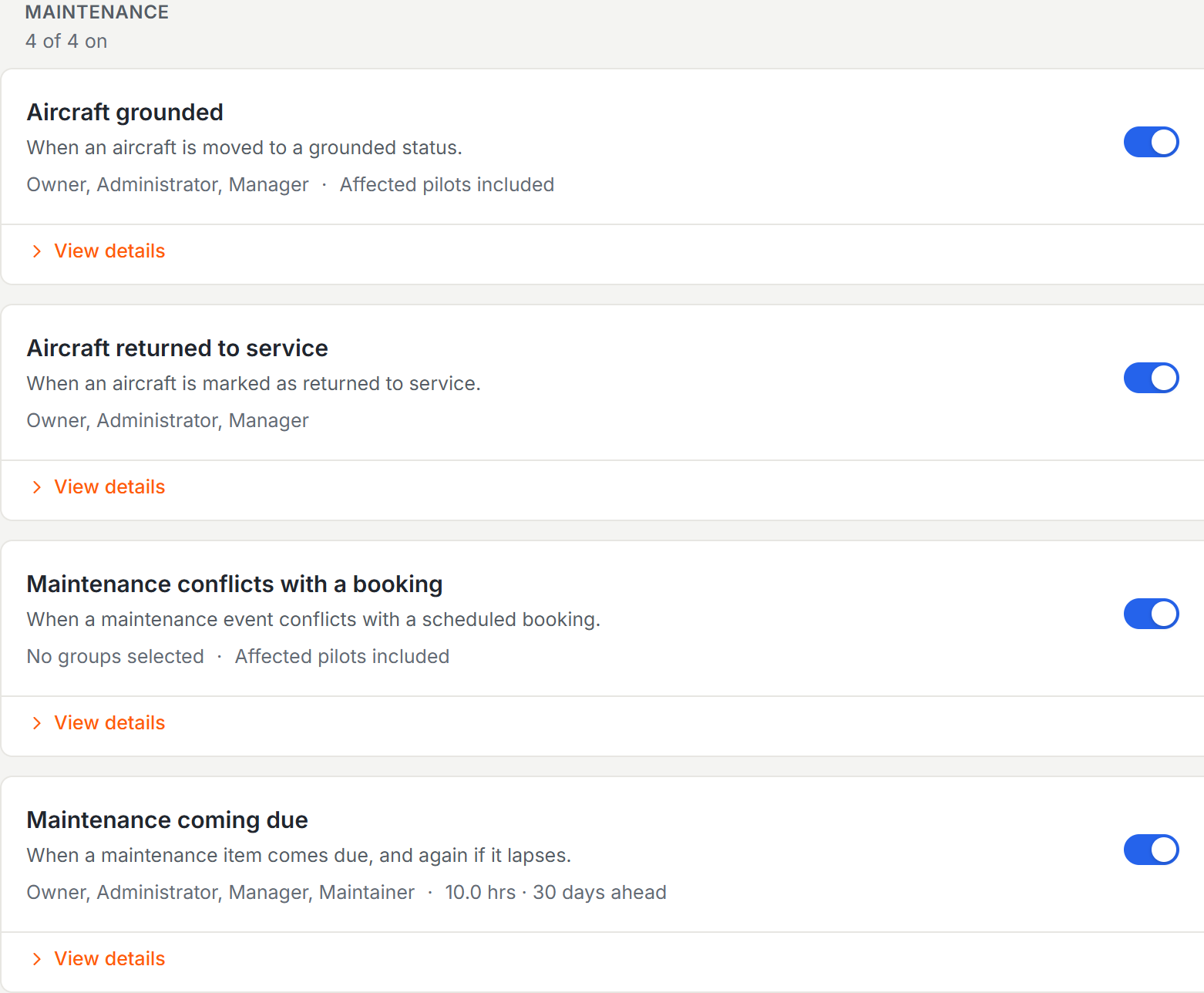
Resyrv notifies people about events worth knowing: an aircraft grounded or returned to service, maintenance colliding with a booking, a member’s balance running low, a failed payment, a checkout request, a meter discrepancy, a document about to expire, a message from a member. Each event reaches the people it concerns three ways: an email, a notification inside the app, and a push alert for members using the mobile app.
What the emails look like
Every email Resyrv sends - invitations, receipts, invoices, reminders, alerts - shares one design and one header, so two messages from the same system never look like they came from two different companies. Mail arrives from a real address rather than a no-reply box, so a member who hits reply reaches someone; billing and invitation messages keep their own billing and welcome addresses.
Notification policies
Who hears about what is set per event under Organization Settings, Notifications. Each event has one switch and an audience: pick the owner and any of your access groups, and on maintenance events choose whether the pilots directly affected - such as those holding bookings on a newly grounded aircraft - get a copy too. Defaults are sensible, so a fresh organization needs no setup here.
The organization decides which events go out and who they go to. Each member decides how those notifications reach them personally. There is no per-event email-or-web choice to manage on the organization side.
Personal preferences
Every member has a Notifications page in their personal settings with seven plain categories - Reservations, Reminders, Billing, Documents, Maintenance, Operations, and Messages - each with an Email switch and a Push switch. Turning a category’s email off stops those emails; the notification still appears quietly inside the app, like an unread badge. Push switches apply to the mobile app.
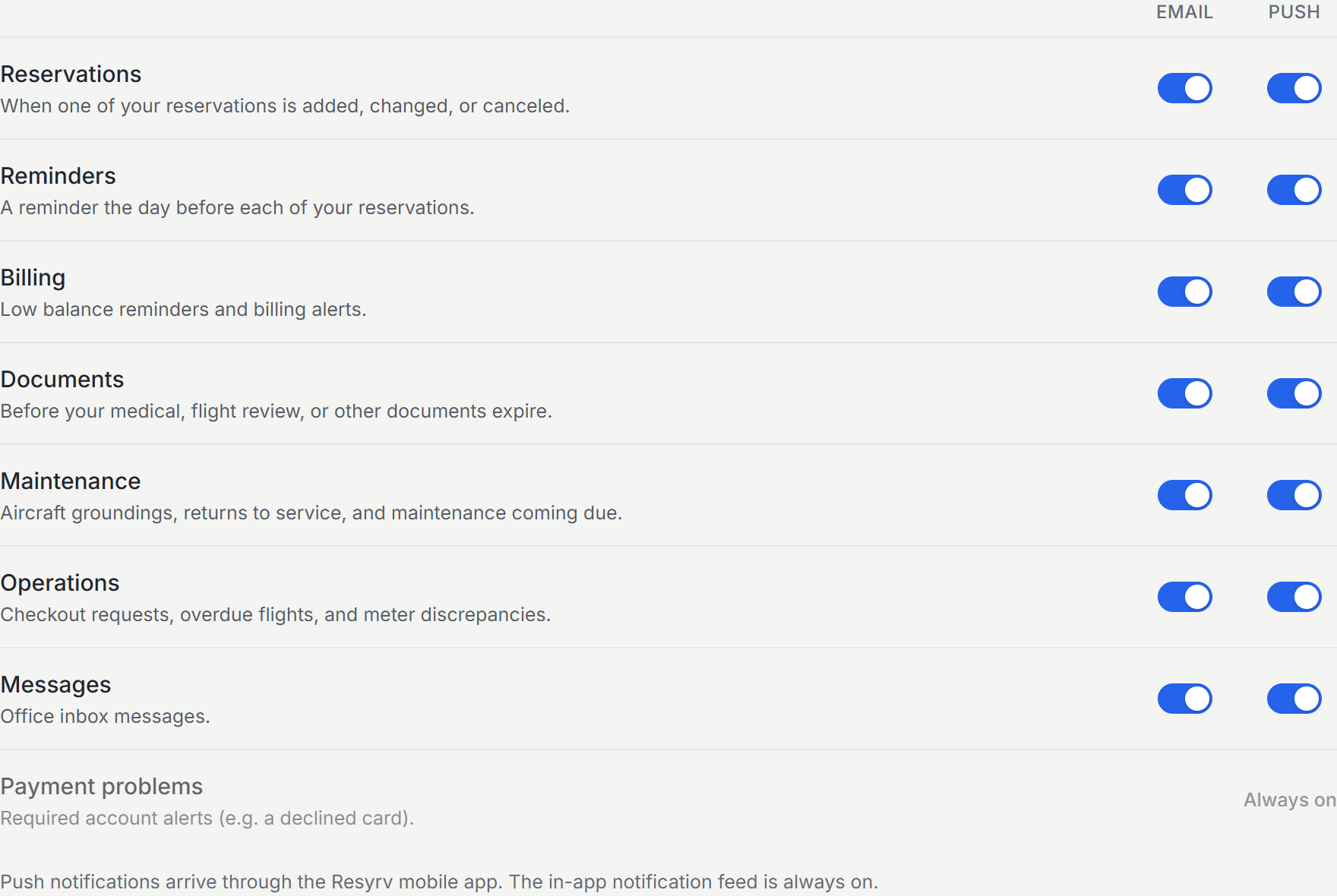
Payment-failure alerts always send and cannot be turned off.
Was this page helpful?
Can’t find what you need? Contact us - a real person reads every message.