

Billing & Cost Sharing
Paying Your Bill
Everything about your own money lives in one place: see what you owe, pay it, keep a card on file, and let autopay handle the routine.
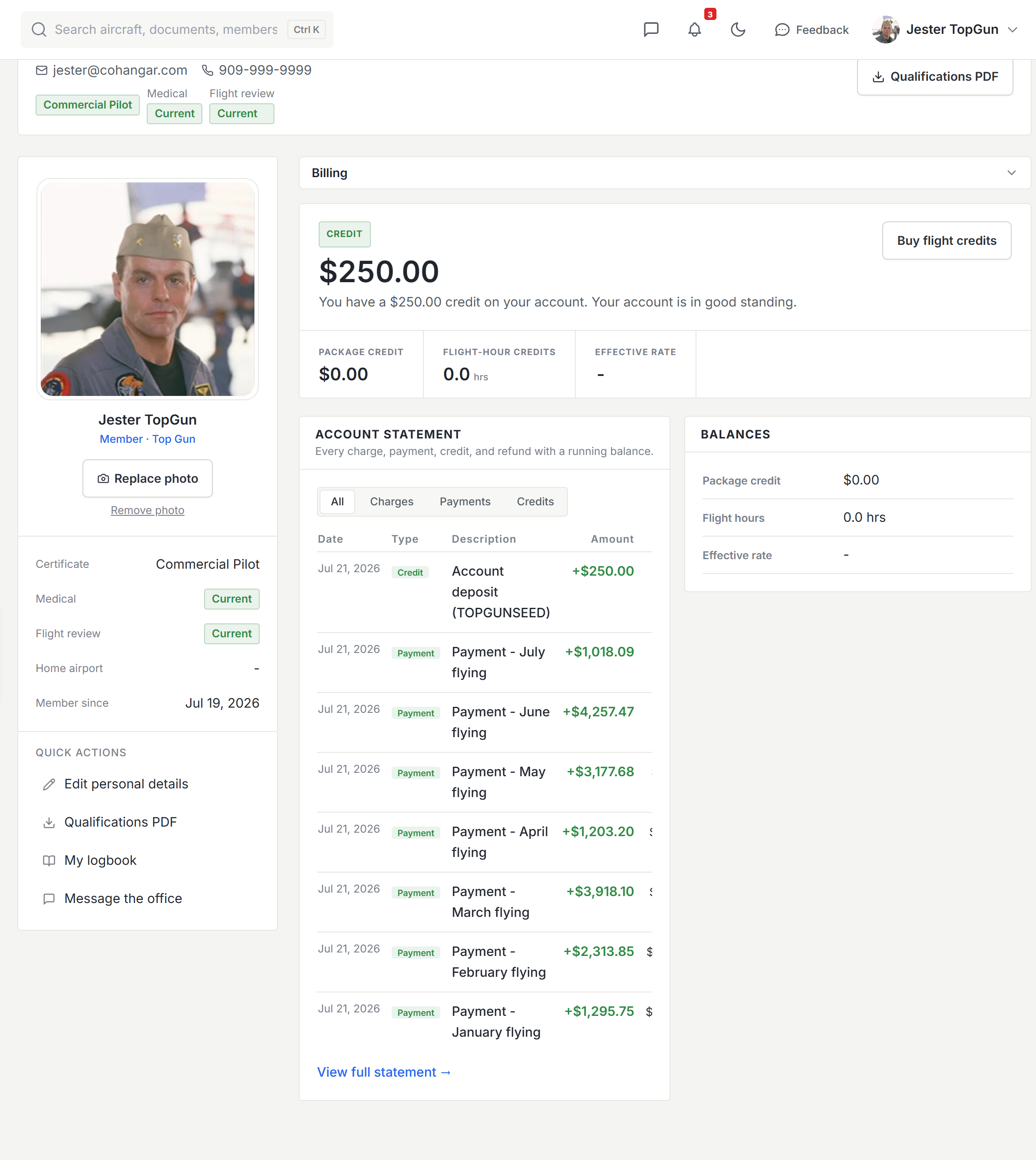
Your account hub
Open your profile and the money tabs sit right alongside your personal details: Billing for the overview, Activity for every ledger entry, Packages for prepaid hours and credit, and Invoices for anything sent to you. The overview leads with your real balance, the net of every charge, payment, and credit to date.
Paying your balance
When your organization has Stripe connected, paying is two steps: enter or confirm the amount, then pick a card or bank account (ACH) and confirm. A card payment posts to your ledger immediately and clears your oldest open charges first, with no waiting for an admin to reconcile.
Paying from a bank account
Bank payments are cheaper for your organization, but they are not instant. The money takes about four business days to arrive. Resyrv shows the payment the whole time it is on its way, with the amount and a note that your balance updates once it clears. Your balance deliberately does not move until the money lands, so nothing is counted before it arrives.
You do not need to do anything during that wait, and you should not pay again. If your organization limits how much you can owe before booking or flying, a payment on its way normally counts in your favor, so a bank delay will not ground you.
Invoices work the same way. An invoice is a view of your ledger, so paying your balance and paying an invoice are the same money, and open invoices are listed on your Invoices tab.
A successful payment shows a real receipt on the spot (what you paid, what it covered, the card used, the processor’s own reference number, and the time), and the same receipt is emailed to you. The reference number is the one that matches your card statement.
Saved payment methods and autopay
From your personal billing settings, save a card or US bank account for one-tap payment. A saved method also unlocks autopay: switch it on and your recurring dues settle themselves each cycle. Card and bank details live in Stripe’s vault, never in Resyrv.
Buying packages
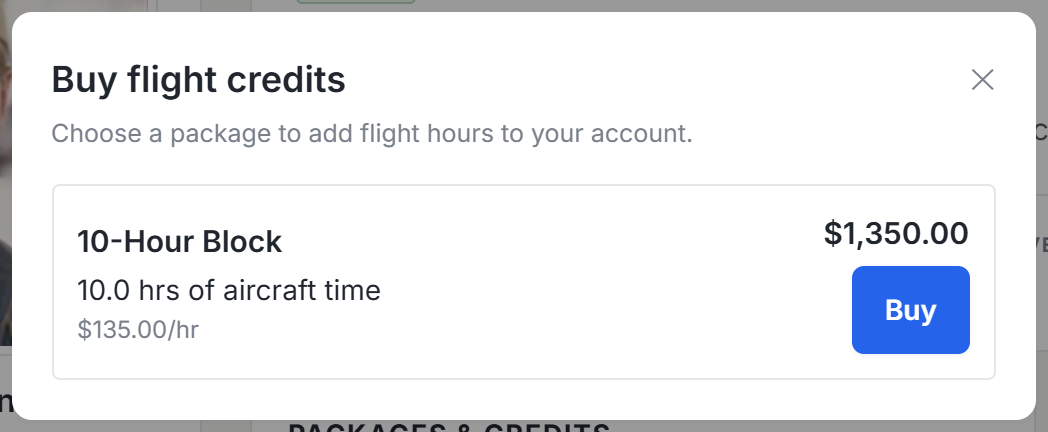
If your organization sells flight packages, the Packages tab sells blocks of hours and pools of account credit. Pay by card and the package activates the moment payment clears. You can see what remains as you fly it down.
Payments made outside the app
Cash, check, or a bank transfer outside Stripe can still land on your ledger. Report the payment from your account, and an admin approves it before it posts. The ledger stays complete even when the money moved elsewhere.
Was this page helpful?
Can’t find what you need? Contact us - a real person reads every message.