

Billing & Cost Sharing
Financial Reports
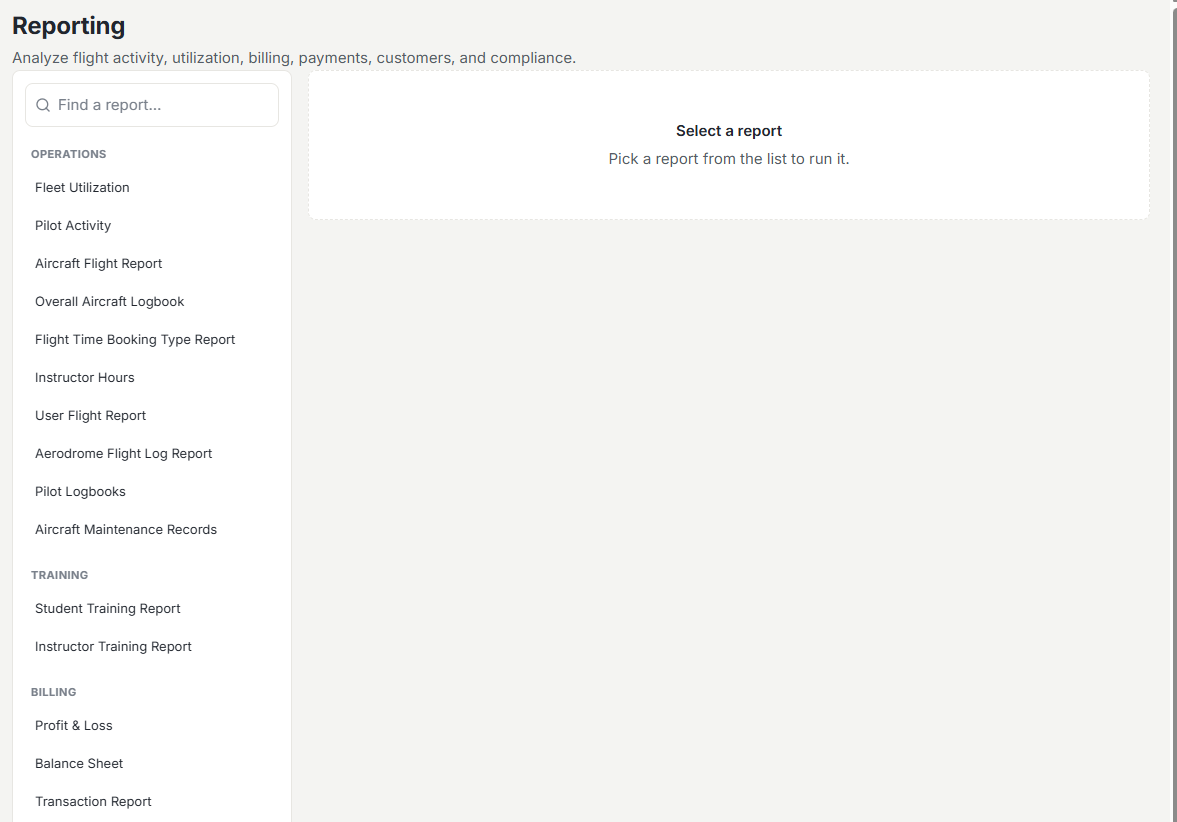
In the Reports workspace you pick a report on the left, set a period, and read the results on the right, then export to Excel, PDF, or print.
How the workspace works
Choose a report, set the period, and Resyrv builds it from live ledger and flight data. Every report exports to Excel or PDF, or prints directly, so the numbers move into a board packet or an accountant’s inbox without retyping.
Reports by email
Any report can come to you instead. Open the report, click Email me, and pick a rhythm (weekly on Mondays, monthly on the 1st, or every morning) and a format: PDF, CSV, or Excel. The report arrives as an attachment, built fresh each time with the filters you had applied when you subscribed. Relative periods like Current Month follow the calendar, so a monthly P&L email always covers the month it lands in.
Each subscription is personal. It goes to your own email and respects your access, so losing permission to a report stops the emails. Change or stop a schedule from the same Email me button.
Money reports
- Revenue and received payments - what came in over a period.
- Invoice aging - outstanding balances bucketed by how overdue they are.
- Profit and loss - income against expense for the period. The expense side comes from your recorded organization expenses, and a Notes section calls out any gaps, such as a missing month or an aircraft with no cost schedule.
- Customer balances - what each member owes or holds in credit right now.
Activity reports
- Pilot activity - flying and charges per member.
- Fleet utilization - how hard each aircraft is worked.
- Recurring dues - what was posted and collected.
Beyond these, the workspace carries per-location revenue, fuel reimbursement, sales-tax, training, and logbook reports for groups that need them.
Was this page helpful?
Can’t find what you need? Contact us - a real person reads every message.