

Getting Started
Quick Start
A new account gives you an organization. Add an aircraft, invite your members, and put a booking on the calendar.
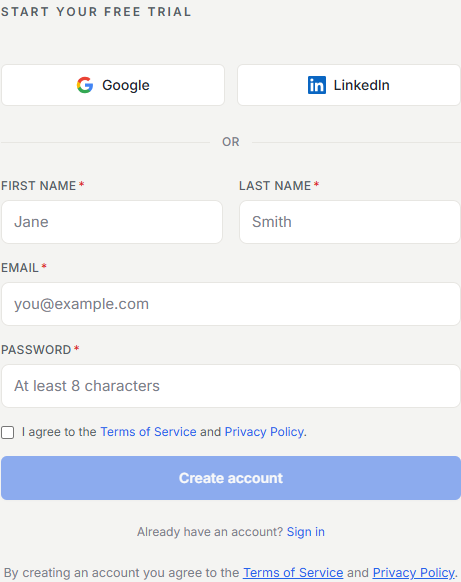
Sign up and get your organization
When you create an account, Resyrv creates an organization for you, the shared workspace your partnership, club, or school lives in. It’s waiting the moment you land.
A short setup wizard helps you name the organization and set the basics. Everything it asks can be changed later in Settings, so there are no decisions here you’re locked into.
- Co-ownerships and partnerships - a few owners sharing one or two aircraft.
- Flying clubs - a broader membership flying club-owned aircraft.
- Flight schools - instructors, students, and training workflows.
- Rental operators - renters flying your fleet at posted rates.
Add your first aircraft
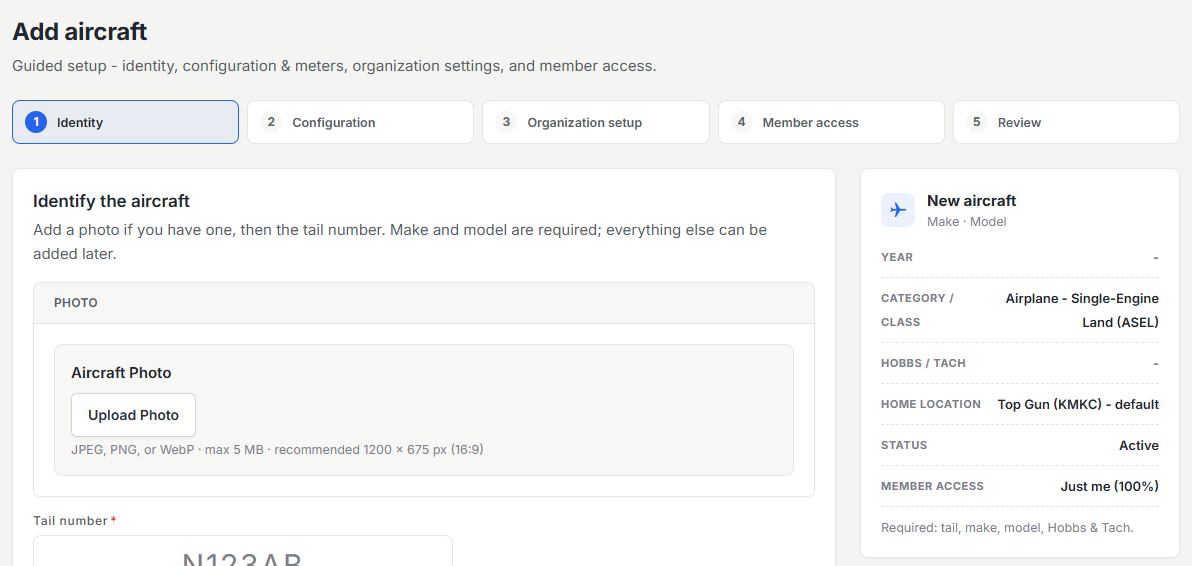
Open Fleet and add an aircraft with its tail number, make and model, and current Hobbs and tach times. That alone is enough to start scheduling. Billing rates, documents, and maintenance tracking can all be layered on afterwards.
Invite your members
From Members you can invite people two ways: send an email invitation with a role attached, or share your organization’s join link. Either way, the person creates or signs into their account and lands straight in your organization.
Make your first reservation
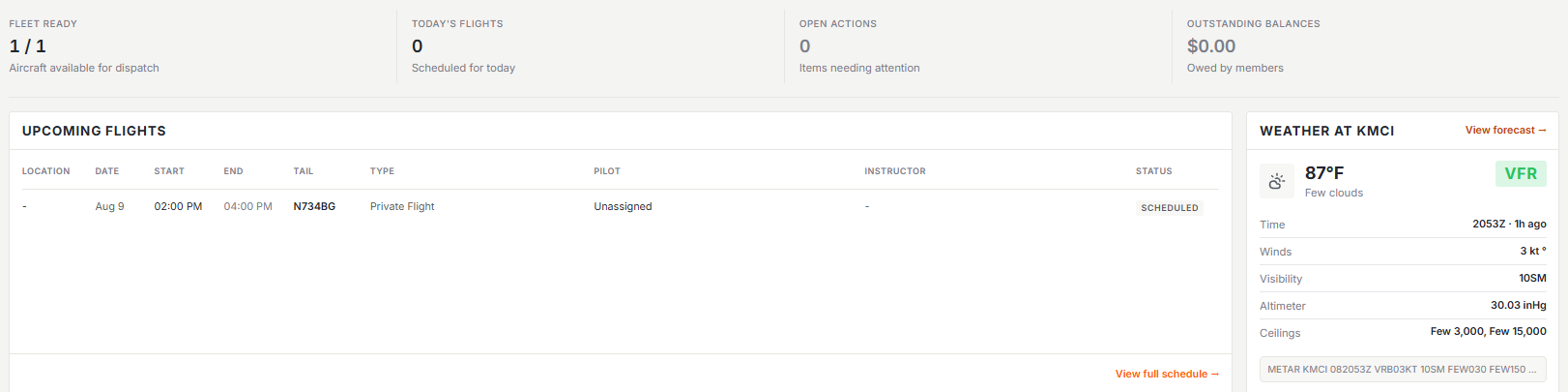
Open Schedule, click an open slot, pick an aircraft and time window, and save. The reservation is immediately visible to every member, and once the flight is logged with meter readings it can flow straight into billing.
Where to go next
Set Up Your Aircraftbilling rates, fuel handling, documents, and maintenance items.
Invite Your Membersroles, authorized locations, and what a new member sees.
Organization Settingsyour name, logo, and the policies your group runs on.
Was this page helpful?
Can’t find what you need? Contact us - a real person reads every message.