

Scheduling
Calendar Sync
Your reservations don’t have to live only in Resyrv. Push them into your personal calendar so your flying shows up next to the rest of your life.
Two ways to sync
Both live under your personal calendar settings and are per-member. You connect your own calendar, and nobody else in the organization sees or controls it. Pick whichever fits your calendar app:
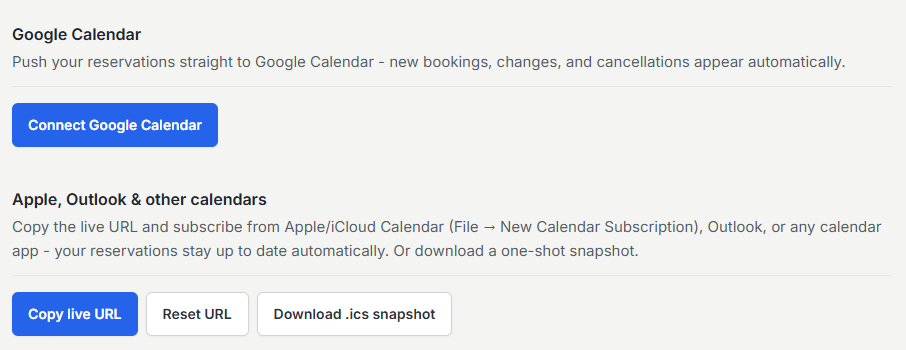
- Google Calendar - a direct connection that pushes your Resyrv reservations into Google.
- ICS feed - a private subscription URL that Apple Calendar, Outlook, and most other apps can follow.
Google Calendar
From your calendar settings, connect your Google account. Resyrv asks Google only for calendar access, and on the consent screen you have to leave that permission ticked. Decline it and the connection is refused.
Once connected, your upcoming reservations are pushed into your Google calendar, and there’s a toggle to pause syncing and a button to run a manual sync when you want to backfill on demand. Disconnecting revokes the access and removes the events Resyrv created.
ICS feed subscription
Resyrv also gives you a private ICS URL tied to a personal token. Add it to any calendar app as a subscribed calendar and your reservations appear, refreshing on the app’s own schedule.
The feed spans every aircraft you fly, one calendar for all your flying, even across multiple organizations. You can also download a one-time .ics file if you want a snapshot rather than a live subscription.
Was this page helpful?
Can’t find what you need? Contact us - a real person reads every message.